11
11

I’ve been using Higgsfield for months now — generating AI video, animating stills, matching color grades, upscaling footage — but I was always stuck in the same tedious loop: generate something in the browser, download it, drag it into Resolve, import it to the media pool, then finally drop it on the timeline. Every single time.
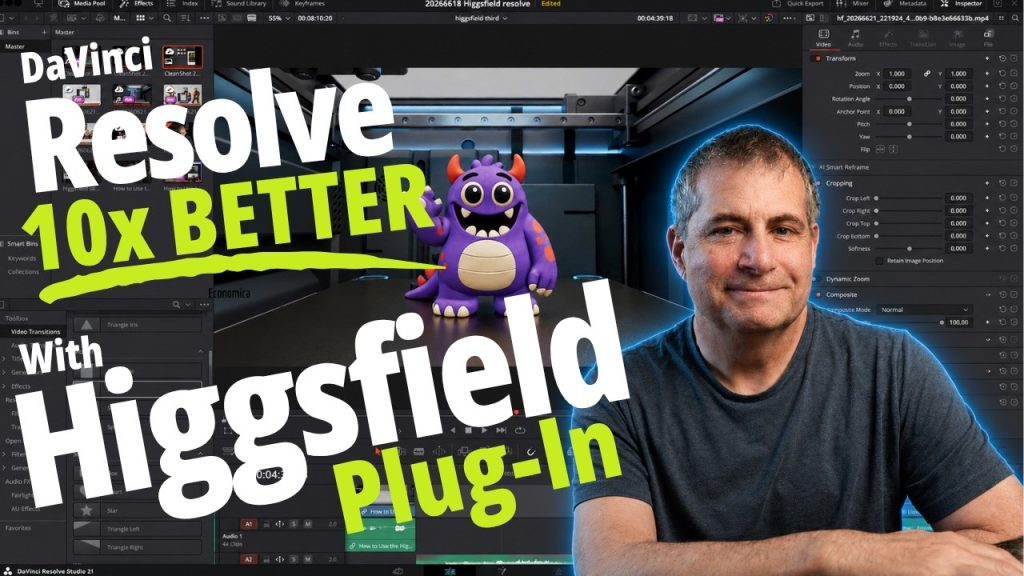
That workflow is now obsolete. Higgsfield just released a native plugin for DaVinci Resolve, and it genuinely changed how I work. Everything happens inside the timeline. You generate, you use it, you keep editing. No browser tabs, no file management, no friction.

In this video, I walk through the entire plugin — from installation to actually using it in a real project. Installation takes about three minutes. Once it’s running, you get access to all seven of Higgsfield’s core tools directly in your Resolve workspace: AI video generation, draw-to-edit, upscaling, AI LUTs, background removal, reframing, and image animation.
I demonstrate each one with a practical example. I animate a 3D-printed character I’ve been using in recent videos. I sketch over a clip to replace a background. I use the AI LUT tool to match a color grade from a single reference frame — one click, done. I upscale footage to higher resolution without leaving the timeline. Everything stays inside DaVinci Resolve.
One important note: this plugin requires DaVinci Resolve Studio, not the free version. It works on macOS and Windows with Resolve 19 and newer. The plugin is currently in beta, so I also cover a workaround if uploads get stuck during generation.
This is the first video in a series. I’m planning deeper dives into each tool — especially the draw-to-edit feature and the AI LUT workflow. If you’re already using Resolve and any kind of AI tooling in your pipeline, this plugin is worth your time.
Related on Agent Baltic: Adobe’s upcoming AI agent will give creatives UNPARALLED powers: This new technology explained. · ChatGPT Images 2.0 – See What You Can Do With The New King of AI Images
Watch this and more on the Agent Baltic YouTube channel. For free and paid resources, visit https://payhip.com/agentbaltic.