 11
11

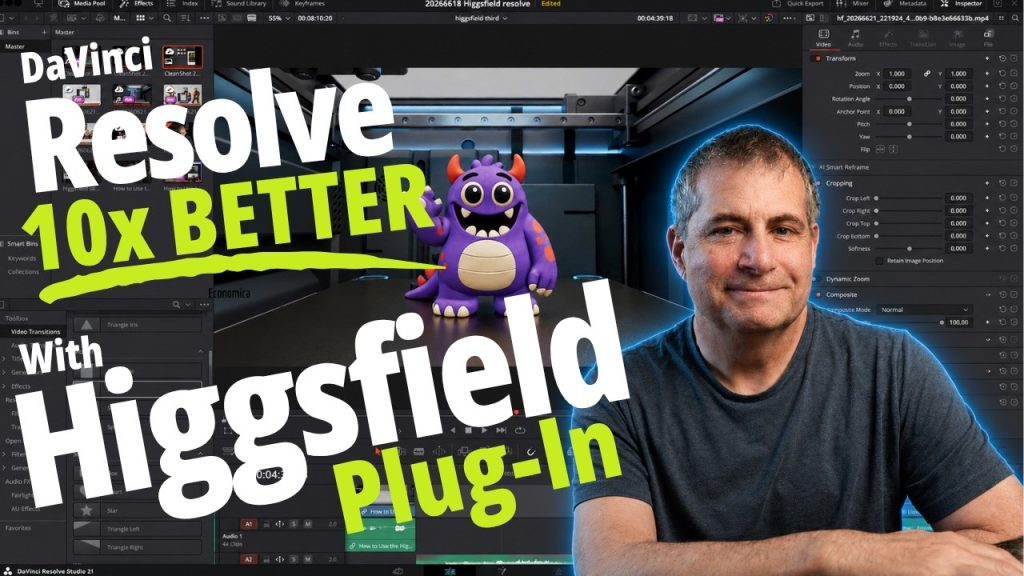
I’ve been using AI tools long enough to spot when they’re bluffing. The problem isn’t that Claude, ChatGPT, or Gemini are dumb — it’s that they’re trained to keep the conversation going, even when they don’t actually know the answer. That means you get confident-sounding nonsense more often than you’d think.
Most people don’t realize there’s a fix for this, and it lives in a place almost nobody bothers to check: the custom instructions panel. I recorded this video because I got tired of watching friends trust AI answers that were completely made up, and I wanted to show exactly where to drop a simple prompt that makes these tools way more honest about what they know versus what they’re guessing.

The setup is straightforward. In Claude, you open your profile and paste the instructions into the custom instructions field. In ChatGPT, it’s under settings in the personalization section. For Gemini, you’ll find it in the Gems panel. I walk through each one on screen so you can see exactly where to click.
What changes after you do this? The AI stops pretending it has all the answers. It’ll tell you when it’s uncertain, when it’s working from general knowledge versus something specific, and when it should look something up before responding. It doesn’t make the tools perfect, but it makes them a lot less likely to confidently hand you garbage.
I’m sharing the exact prompt text for free — link’s in the description. If you’ve ever had an AI tool give you an answer that sounded right but turned out to be completely wrong, this is worth the two minutes it takes to set up.
Watch this and more on the Agent Baltic YouTube channel. For free and paid resources, visit https://payhip.com/agentbaltic.