11
11
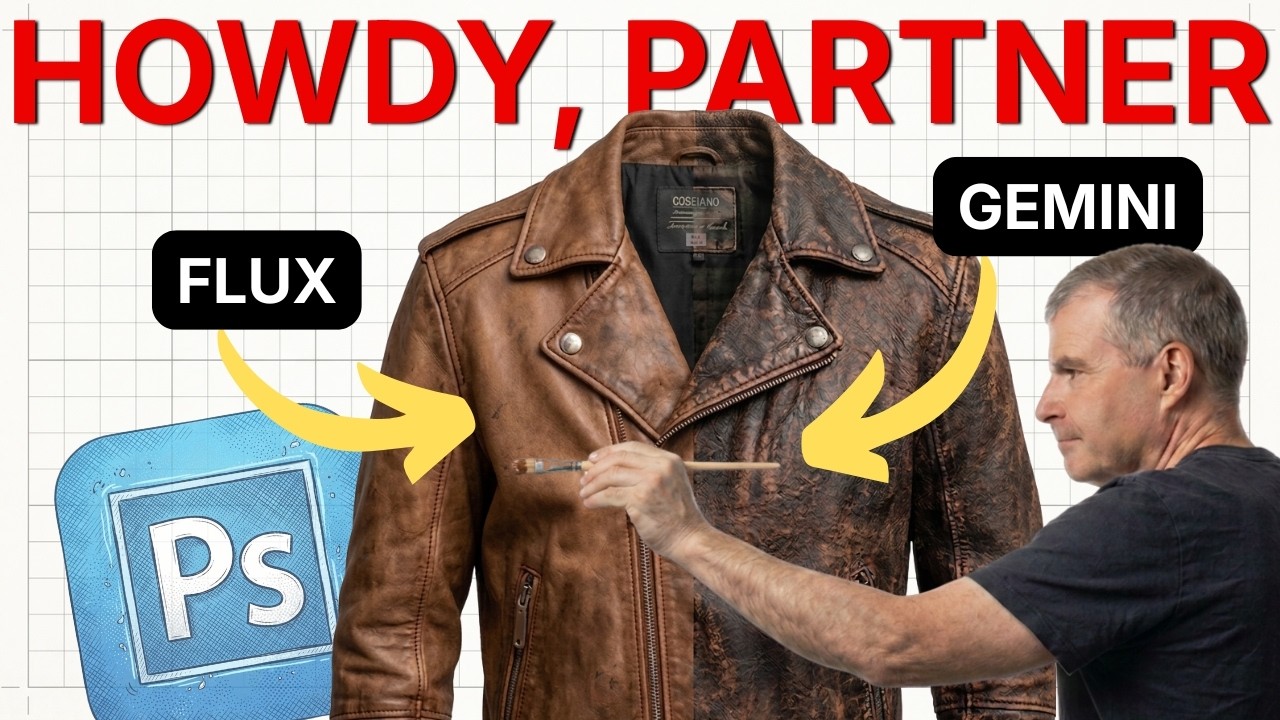
Adobe just dropped one of the biggest updates to Photoshop in years, and I had to show you how it changes everything. For the first time, you can swap out Adobe Firefly for third-party AI models like Flux, Gemini, and ChatGPT directly inside Generative Fill. If you’ve been stuck with Firefly’s safe but sometimes bland results, this is the unlock you’ve been waiting for.
I wanted to test these models side by side so you can see exactly what each one is good at. Firefly is still the safest bet for commercial work, but Gemini brings stylized creativity and ChatGPT’s image engine is surprisingly strong for certain types of prompts. I walk you through installing the Photoshop Beta from Creative Cloud so you can try this yourself without breaking your stable version.
In the video, I run real-world tests replacing clothing textures and adding atmospheric effects like floating cherry blossoms. You’ll see how different models handle the same prompt differently—some nail texture and lighting, others miss the mark. It’s not just about having options; it’s about knowing which tool to reach for when you need a specific result.
The other huge update is 2K resolution support for generative fill. Your AI additions finally look sharp and professional instead of that soft, AI-ish quality we’ve all learned to tolerate. Make sure you’re on version 27.5 or the latest Beta to access these features. I show you exactly how to get set up in the video, and I compare the models head-to-head so you can decide which one fits your workflow best.
Related on Agent Baltic: Adobe’s upcoming AI agent will give creatives UNPARALLED powers: This new technology explained.
Watch this and more on the Agent Baltic YouTube channel. For free and paid resources, visit https://payhip.com/agentbaltic.